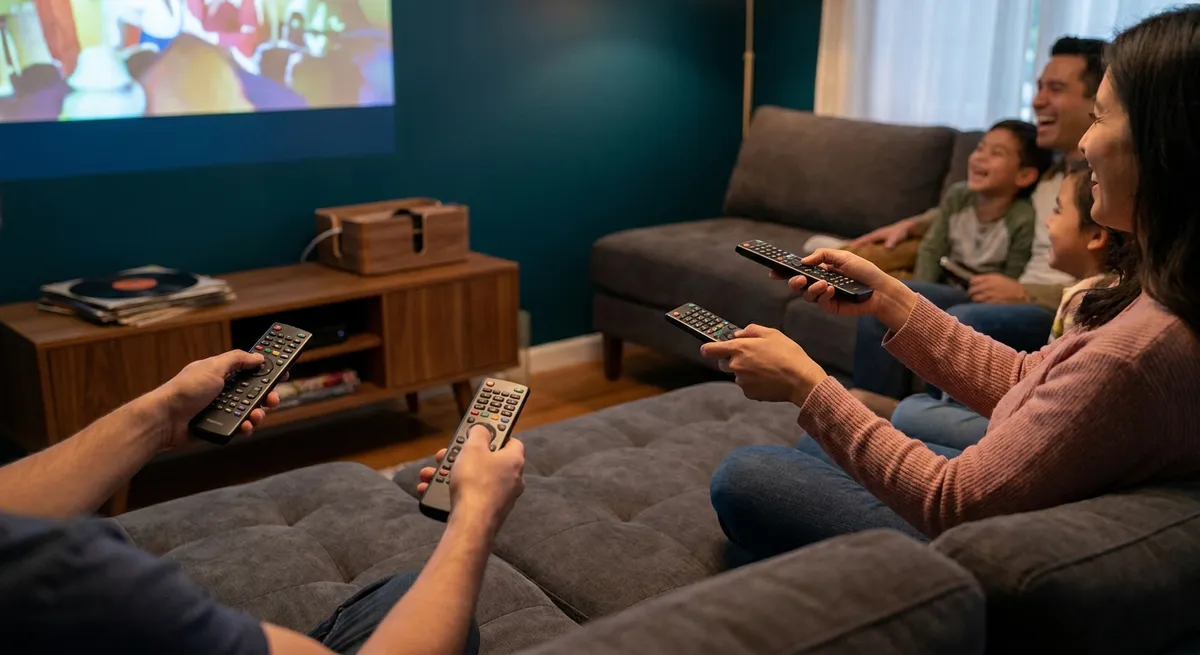
Turning your living room into a space that actually makes movies, music, and games feel special doesn’t require the most expensive gear—it requires the right gear for how you live. With streaming subscriptions, soundbars, projectors, and gaming consoles competing for your budget, it’s easy to buy things that look impressive on paper but disappoint in real life. This guide walks through how to think like a smart buyer when upgrading your home entertainment, with five practical tips to keep your setup fun, flexible, and financially sensible.
Start With Your Space, Not the Specs
Before comparing models or chasing discounts, take a honest look at your space and habits. The best TV or sound system for a small apartment is very different from what works in a large, open-plan living room. Measure viewing distance, check for windows that create glare, and think about where power outlets and Wi‑Fi coverage are strongest. If you’re usually watching at night with lights dimmed, you may value contrast and black levels more than extreme brightness; if your room is sunlit all day, brightness and anti-reflective screens matter more. Consider how many people typically watch at once—this affects viewing angles, seating, and whether a projector actually makes sense. Treat your room like a small “project” and write down its limitations; that list will instantly cut a lot of poor-fit products from consideration.
Prioritize Audio: The Upgrade Most People Underestimate
Many buyers pour their budget into a larger TV and leave sound as an afterthought, relying on built-in speakers that are typically thin and underpowered. In reality, audio quality contributes as much—or more—to immersion as picture quality. Clear dialogue, impactful bass, and an enveloping soundstage can make even a modest-sized screen feel cinematic. A well-chosen soundbar with a wireless subwoofer can transform your experience without the complexity of a full surround system. If you live in an apartment or share walls, look for soundbars or receivers with night modes and dialogue enhancement, so you can hear speech clearly at lower volumes. Compare audio formats like Dolby Atmos and DTS:X only after confirming you have room for additional speakers or upward-firing drivers to benefit from them. If you’re a music lover, consider whether the system you’re buying can also double as your everyday music setup via Bluetooth, AirPlay, Chromecast, or similar features, so you’re not paying for separate gear that does the same job.
Tip 1: Match Resolution and Size to How You Actually Watch
It’s tempting to assume “bigger and higher resolution is always better,” but smart buyers match screen size and resolution to viewing distance and content. Ultra HD (4K) is now standard, but the visible difference between 4K and 8K at typical living-room distances is minimal for most viewers and content libraries. Rather than chasing 8K, you may be better off focusing on panel quality, HDR performance, and motion handling. Use rough guidelines: at about 6–8 feet (1.8–2.4 m) from the screen, many people find 55–65 inches to be a comfortable range, while larger rooms might justify 75 inches or more. If most of your viewing is streaming TV and movies, prioritize strong HDR brightness and contrast over ultra-high refresh rates that mainly benefit fast-paced gaming. Checking what you actually watch—sports, movies, esports, kids shows—helps you choose features you’ll use daily instead of paying for specs that are impressive on a spec sheet but irrelevant in practice.
Tip 2: Treat Streaming Subscriptions Like Part of Your Hardware Budget
Your home entertainment experience isn’t just hardware; the ongoing cost of content can quietly exceed what you spend on devices. A 4K TV or projector is only as useful as the 4K content you feed it, and subscription prices change frequently. Before buying new gear, list your current streaming, music, and gaming subscriptions, including “free trials” you intend to keep. If your goal is access to specific shows, sports leagues, or music catalogs, verify which services actually carry them and what resolutions they offer on your devices. Some platforms limit higher resolutions or HDR to certain apps or hardware. Smart buyers often rotate services—subscribing to one or two at a time instead of maintaining five or six at once—to keep monthly costs predictable and avoid paying for overlapping libraries. When deciding between two devices, factor in how long each will receive app updates and support; a slightly more expensive streaming box that stays updated for years may be a better investment than a cheaper one that becomes obsolete quickly.
Tip 3: Check Compatibility and Cables Before You Upgrade
A common source of frustration is buying a new console, sound system, or streaming box only to realize your TV ports or cables can’t support its full capabilities. Before ordering anything, take pictures of the back of your TV, receiver, or soundbar and note which HDMI ports support which features (e.g., eARC, HDMI 2.1, 4K/120Hz). Manufacturers often reserve advanced features for specific ports. Make a simple diagram of how devices will connect—TV to soundbar or receiver, then to console or streaming box. Sometimes a modestly priced HDMI cable that supports the right standard (such as HDMI 2.1 for 4K at 120 Hz and variable refresh rate) is all that’s needed to unlock better performance. If you’re considering a sound system with eARC (enhanced Audio Return Channel), check that your TV actually supports it; otherwise, you may not get lossless audio or Atmos from built-in streaming apps. Taking 20 minutes to verify compatibility can save you from returns, extra adapters, and the disappointment of not getting the performance you paid for.
Tip 4: Buy for Everyday Use, Not the Rarest Scenario
It’s easy to justify expensive gear by picturing big events—movie marathons with friends, championship games, or holiday gatherings—but those moments are occasional. Smart purchasing means optimizing for how you use your system on a normal weeknight. If 80% of your usage is solo or with one other person, prioritize comfort at your main seating position, simple controls, and quick-start performance over seating for a crowd. A projector might be impressive for movie nights but inconvenient if it delays casual viewing or struggles in daylight. Similarly, a complex receiver with many inputs is only worth it if you’ll regularly connect multiple devices and enjoy tinkering. Look for features that streamline daily use, like universal remotes, voice control, or smart TV interfaces you actually like, not just those that look advanced. If you’re buying a gaming console “for guests” but don’t personally play, consider whether a smaller, more versatile device (like a streaming box plus casual gaming platform) better fits your real behavior.
Tip 5: Protect Your Budget With a “Total Cost Over 3 Years” Mindset
When comparing options, looking only at the sticker price can be misleading. A low-cost TV with poor reliability, narrow app support, or high power consumption can cost more over its lifetime than a slightly pricier, more efficient model. Before deciding, estimate what each option will cost over about three years: device price, likely streaming or gaming subscriptions, occasional digital rentals, potential accessories (mounts, stands, extra controllers), and power usage if you watch many hours per day. Check power consumption ratings where available and note that brighter, larger screens can use significantly more energy, especially in vivid picture modes. Also consider longevity: models that support current standards (like modern HDR formats, Wi‑Fi versions, and HDMI capabilities) are more likely to stay useful longer. A “total cost” view gives you permission to buy mid-range instead of bargain-basement, while still preventing you from overinvesting in high-end gear whose advanced features you rarely tap.
Conclusion
A satisfying home media setup isn’t about chasing the most futuristic tech; it’s about aligning what you buy with how you watch, listen, and play in real life. By starting with your space, treating audio as a priority, matching specs to actual habits, planning around subscriptions and compatibility, and thinking in terms of total cost over several years, you can avoid the kind of regret that often follows impulsive tech purchases. The result is a home entertainment environment that feels tailored to you—immersive enough to make movies and music memorable, yet simple and sustainable enough to enjoy every day.
Sources
- Consumer Reports: TV Buying Guide - Overview of key TV features, sizes, and factors to consider when purchasing.
- SoundGuys: Soundbar Buying Guide - Detailed explanation of soundbar types, audio formats, and what matters for everyday listening.
- Energy.gov: Estimating Appliance and Home Electronic Energy Use - Guidance on understanding and estimating energy consumption and operating costs.
- FCC: Consumer Guide to Broadband and Internet Services - Helps consumers understand broadband needs, useful when planning for high-quality streaming.
- HDMI.org: HDMI 2.1a Features - Official information on HDMI standards and capabilities relevant to TVs, consoles, and AV receivers.
Key Takeaway
The most important thing to remember from this article is that this information can change how you think about Arts & Entertainment.