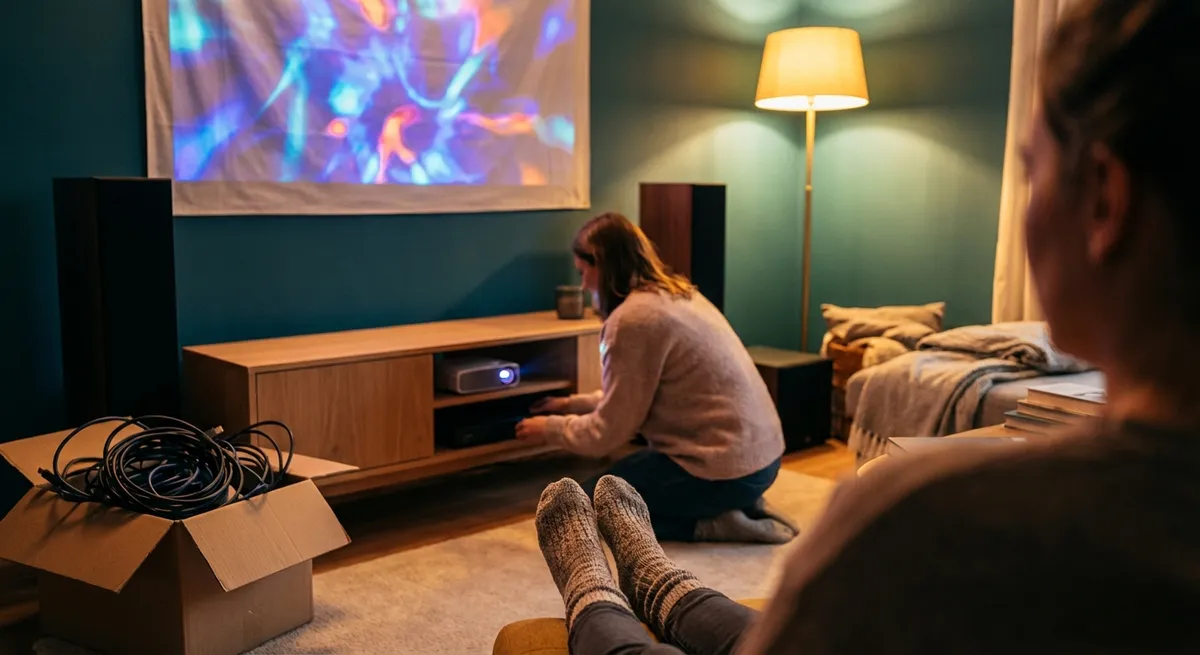
Streaming, movies, gaming, music, and even digital art are all competing for your attention—and your money. It’s easy to overspend on speakers, subscriptions, and gadgets that look impressive on paper but don’t fit your real life. This guide walks through how to build (or upgrade) an arts and entertainment setup at home that feels immersive, flexible, and future-ready—without wasting cash on features you’ll never touch.
Start With Experiences, Not Equipment
Before looking at specs or sales, get specific about what you actually want to experience at home. Are you mainly watching movies and prestige TV, binging anime, gaming online with friends, listening to vinyl, or dabbling in digital art and creative software?
Write down your top three use cases and how often you do each per week. This becomes your “reality check” when browsing.
Ask questions like:
- Do I watch more on a TV or on a laptop/phone?
- Do I mostly watch alone, with a partner, or with a group?
- Is surround sound truly important to me, or would clear stereo be enough?
- Am I sensitive to loud fan noise, bright screens, or cluttered spaces?
- How often do I actually watch 4K content (vs HD), or play graphics-heavy games?
Aligning your purchases with real habits helps you avoid buying a giant TV for a tiny room, a sound system you can’t use in an apartment, or a “pro” editing monitor when you only casually edit photos. Your goal is to make the most-used experiences feel dramatically better, not to win a spec-sheet contest.
Know Where to Spend and Where to Save
In home arts and entertainment, not all categories deliver equal value per dollar. A smart strategy is to invest more in “core” components that touch everything you do, and save on “nice-to-have” extras.
Good places to spend a bit more:
- Display: TV or monitor with good contrast, color accuracy, and viewing angles will improve every movie, game, and even basic browsing.
- Audio: A decent pair of speakers or headphones can transform even mediocre sources. Clear dialogue and rich sound create immersion more than resolution alone.
- Seating and ergonomics: If you’re sitting for hours, a comfortable chair, good viewing height, and proper distance matter more than yet another streaming service.
Good places to save:
- Overkill resolution/features you won’t notice in your environment (e.g., 8K TV in a small living room, high-end gaming GPU for casual indie games).
- Flashy extras like LED lighting, themed accessories, or branded collectibles unless they truly add to your enjoyment.
- Multiple overlapping subscriptions when you realistically only use one or two actively.
Use this filter when shopping: “Will this purchase improve at least 70% of what I watch, play, or create?” If not, it’s probably an accessory, not a pillar—and should get a smaller budget.
Tip 1: Match Your Screen to Your Room, Not the Store Display
Showroom TVs and monitors are set to ultra-bright, vivid modes that look impressive in a store but overwhelming at home. Instead of chasing the biggest or brightest screen, make it fit your space and habits.
Practical buying pointers:
- Measure your viewing distance. As a rough guide, for a 4K TV, your ideal viewing distance is about 1–1.5 times the screen’s diagonal (e.g., 55-inch TV at about 4.5–6.5 feet). Larger than that can feel crowded; smaller can feel underwhelming.
- Check viewing angles. If your sofa is off to the side, prioritize TVs or monitors with good side-view performance (often listed in reviews) so colors don’t wash out.
- Beware “spec traps”. 120Hz or higher refresh rate is meaningful for gamers and sports viewers; for casual watching it may not be essential. Ultra-high resolutions matter more as screen size or viewing distance increases.
- Look at real-world tests. Color accuracy, HDR performance, and motion handling often matter more than sheer pixel count. Professional reviews and comparison sites can reveal where budget models punch above their weight.
If you’re on a tight budget, a mid-range 4K TV with good reviews plus calibration (even basic presets like “Movie” or “Cinema” mode) typically offers better real-world performance than a cheap model boasting “8K” or extreme dynamic contrast.
Tip 2: Treat Audio as Half the Experience
Many people spend heavily on screens and then tolerate thin, hollow TV speakers. For both films and music, sound is usually the cheapest, most dramatic upgrade you can make.
Consider your living situation first:
- Apartments and shared walls: Lean toward quality headphones, soundbars with night modes, or small bookshelf speakers at moderate volume.
- Dedicated rooms or detached homes: You have more freedom for a 2.1 or 5.1 setup (two or five speakers plus a subwoofer).
Smart audio-buying moves:
- Start with stereo. A pair of decent bookshelf speakers or quality headphones often beats a low-end surround bundle. Clear stereo imaging can be very immersive.
- Check dialogue performance. For TV and film, reviews that mention clear dialogue at low volumes are more relevant than maximum loudness.
- Avoid bloated bundles. Many budget “all-in-one” home theater systems cut corners on key parts. A simple, well-reviewed soundbar or stereo pair usually sounds better and lasts longer.
- Look for common connectivity. HDMI ARC/eARC, optical input, or Bluetooth help integrate audio across TV, console, and laptop without constant cable swapping.
If you love music or concerts, allocate more budget here than you think; a mid-range screen plus great sound usually feels more cinematic than a premium screen with weak audio.
Tip 3: Audit and Simplify Your Entertainment Subscriptions
Arts and entertainment spending isn’t just hardware; it’s the ongoing cost of access. Streaming platforms, game passes, music services, audiobook memberships, and cloud creative tools can quietly add up.
Do a quick subscription checkup:
- List all services you pay for: video, music, games, creative software, newsletters, and specialty apps.
- Mark each as:
- Essential (used every week)
- Occasional (used monthly)
- Dormant (barely or never used)
Practical strategies:
- Rotate services: Keep one or two essentials and “rotate” the rest month by month. Binge what you want on one platform, cancel, then move to the next. Many services make reactivation simple.
- Check household overlap: If multiple family members pay for similar services, consolidating under a family or shared plan can cut costs.
- Use free tiers wisely: Free, ad-supported versions of music or video platforms might be enough if you’re a light user.
- Time premium trials: Start trials when you actually have time to explore content, and set reminders to decide before they auto-renew.
This approach redirects a surprising amount of money back into one-time purchases that genuinely upgrade your setup—like better speakers or a more comfortable chair.
Tip 4: Plan for Connectivity and Cable Management Up Front
Even the best hardware becomes frustrating if your room is a maze of power strips and mismatched cables. A bit of planning before you buy keeps your arts and entertainment setup usable and upgrade-friendly.
Key considerations:
- Count inputs and outputs. List everything you’ll connect: consoles, streaming boxes, Blu‑ray player, laptop, turntable, speakers, headphones. Make sure your TV or receiver has enough inputs—or budget for a simple HDMI switcher.
- Check network needs. Streaming in 4K, online gaming, or cloud-based creative tools benefit from a stable wired Ethernet connection if possible. If not, consider mesh Wi‑Fi or powerline adapters for distant rooms.
- Buy the right cables once. HDMI cables don’t need to be premium-branded; they just need to meet the correct standard (e.g., HDMI 2.0 or 2.1 for 4K/120Hz). For audio, short, shielded cables from reputable brands are usually enough.
- Think about power. Use surge protectors, especially for expensive TVs, consoles, and audio gear. Check that you have enough outlets without daisy-chaining multiple cheap power strips.
- Tame clutter. Basic cable clips, Velcro ties, and labeling each end of a cable make future changes far easier. A clean setup also makes you more likely to actually use and enjoy your space.
Planning connectivity first helps you avoid extra adapters, returns, or discovering that your new soundbar can’t connect the way you expected.
Tip 5: Buy Creative Tools for How You Work, Not Who You Want to Be
Arts and entertainment at home increasingly includes creating, not just consuming—editing videos, making music, drawing digitally, or streaming gameplay. It’s easy to overspend on “pro” gear when you’re just starting or experimenting.
Keep your purchases grounded:
- Start with software and skills. Many creative suites offer free or low-cost versions (e.g., trial periods, limited plans, or open-source alternatives). Learn the basics before buying specialized hardware.
- Let bottlenecks guide upgrades. If your laptop struggles with video editing or your drawing tablet feels cramped, then it’s time to consider targeted upgrades—not before.
- Prioritize comfort. A stable desk, supportive chair, and monitor at eye level often matter more than the latest CPU for many creative tasks.
- Check compatibility. For audio interfaces, drawing tablets, or specialty controllers, verify that your operating system, favorite software, and hardware all play nicely together.
- Buy modular, not monolithic. Instead of an expensive all-in-one “creator kit,” consider pairing a solid mid-range computer with a few well-chosen accessories (mic, tablet, or MIDI keyboard) that you can swap or upgrade independently.
By treating creative purchases as tools that serve your actual workflow rather than an identity statement, you avoid clutter and spend more time making things.
Conclusion
A satisfying arts and entertainment setup at home doesn’t have to be the most expensive or the most “cutting-edge”—it has to be the best match for your space, habits, and budget. When you start from the experiences you care about, invest in core pieces like screen, sound, and comfort, and stay skeptical of overhyped features and overlapping subscriptions, you build a space that invites you to watch, listen, play, and create more often.
Smart buying in this category isn’t about never spending; it’s about spending deliberately, so every dollar moves you closer to the kind of entertainment (and creative) life you actually want.
Sources
- Consumer Reports – TV Buying Guide - Detailed explanations of TV features, screen sizes, and what specs really matter in different rooms
- RTINGS – Reviews and Comparisons - Independent, lab-tested reviews of TVs, monitors, headphones, and speakers with practical performance data
- Federal Trade Commission (FTC) – Shopping for Entertainment Services - Guidance on evaluating entertainment services, subscriptions, and trial offers
- Dolby – Home Theater Speaker Setup Guides - Official recommendations for positioning speakers and optimizing sound in various room layouts
- Harvard Medical School – The Health Costs of Sedentary Screen Time - Background on the importance of ergonomics and posture when spending long periods watching or creating content
Key Takeaway
The most important thing to remember from this article is that this information can change how you think about Arts & Entertainment.