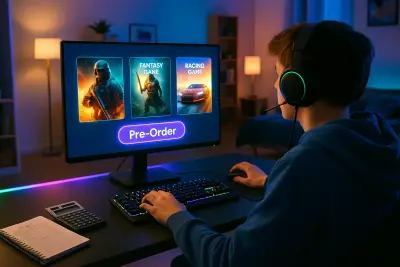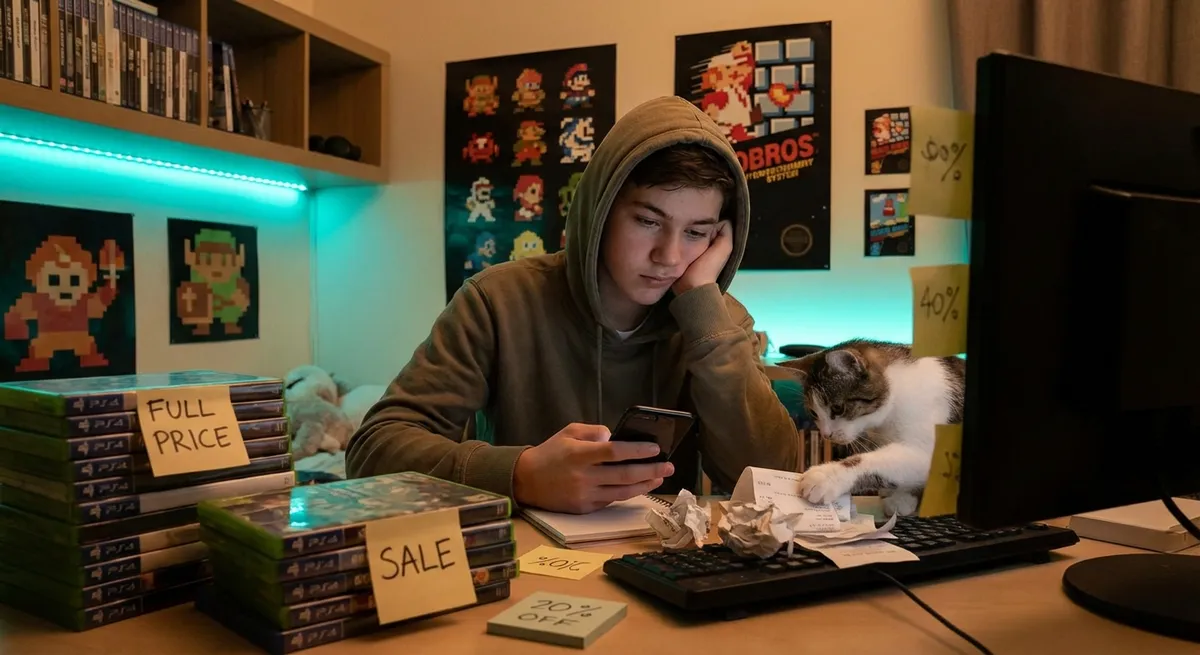
The game industry moves fast, prices swing wildly, and “limited-time offers” pop up every time you open a store page. It’s easy to spend more than you meant to—or buy games you don’t actually enjoy. This guide focuses on practical, consumer-first strategies so you can build a game library you love without draining your budget.
Know What You Actually Play (Not Just What Looks Fun)
Before you spend another dollar, take stock of your real gaming habits, not your ideal ones.
Look at the last 5–10 games you played for more than five hours. What do they have in common? Maybe they’re all story-driven single-player titles, competitive shooters, cozy life sims, or strategy games. That pattern is far more valuable than a flashy trailer or social media hype.
Check your platform’s playtime stats (Steam, PlayStation, Xbox, and Nintendo all track this) and be honest about genres you want to like but never stick with. For example, if your library is full of roguelikes you abandoned after two runs, that’s a sign to stop buying them—even if the next one reviews well.
Treat your “backlog” as a real cost: every unplayed game represents money already spent and time you could use to decide what you truly enjoy. The clearer your actual preferences, the easier it is to filter out impulse buys that don’t fit your tastes.
Understand the True Cost of “Free” and Live-Service Games
Free-to-play and live-service titles can be great value—or surprisingly expensive over time.
A free game with battle passes, cosmetics, and time-limited events often relies on FOMO (fear of missing out) to push you into recurring purchases. Before you dive in, check a few things:
- How aggressive are the in-game prompts to spend real money?
- Do cosmetic items affect gameplay, or are they purely visual?
- Can you earn key content through regular play, or is progress heavily paywalled?
- Are there “loot boxes” or randomized packs that function like gambling?
Set a personal monthly or seasonal cap for in-game spending and stick to it. Many platforms (like PlayStation Network, Xbox, and mobile app stores) offer spending controls or purchase confirmations—use them.
If a “free” game becomes your main hobby, that’s fine; just recognize it as a subscription-like expense and budget for it alongside your other entertainment, instead of treating every microtransaction as a one-off exception.
Tip 1: Time Your Purchases Around Price Cycles
Game prices are rarely static. Most titles follow a predictable discount pattern.
Big publishers regularly participate in seasonal sales (e.g., Steam Summer Sale, PlayStation Store holiday events, Nintendo eShop sales), and prices often drop significantly a few months after launch. New physical releases may also see steep discounts around major retail events like Black Friday.
Before you buy at full price, ask:
- Is this a single-player game I can play just as well in 3–6 months?
- Has this series historically gone on sale quickly?
- Do I have enough in my current backlog to keep me busy while I wait?
Use price-tracking tools or wishlists on your preferred platforms to monitor discounts. Many stores now send email or app notifications when a game on your list is on sale, helping you buy strategically instead of impulsively.
Tip 2: Compare Editions Carefully—Standard Often Wins
Deluxe, Gold, and Ultimate editions can be tempting, but they’re not always the best value.
Look at what you actually get for the extra cost:
- Cosmetic extras: Skins, art books, soundtracks. Nice-to-have, but they don’t extend gameplay.
- Early access days: Cool if you’re eager, but they cost a premium for a tiny window of time.
- Season passes and expansions: The most potentially valuable, but only if you’ll actually play them.
A reliable approach:
- Start with the standard edition unless you’re already a dedicated fan of the series.
- Wait to see how post-launch content is reviewed and whether the player base stays active.
- If the game hooks you, then consider expansions or passes when they’re discounted.
This approach avoids paying extra for content you might never reach, especially in long or grind-heavy titles.
Tip 3: Check Refund Policies and Play the Trial (Even If It’s Short)
Refund and trial options are a powerful protection against regret.
Different platforms have different rules. For example, some PC storefronts offer refunds if you’ve played under a certain number of hours and request within a set window. Certain console stores occasionally offer trials, while subscription services like Xbox Game Pass, PlayStation Plus, and EA Play include full games you can sample for a low monthly fee.
Smart ways to use this:
- When available, try via subscription first before buying anything outright.
- If you’re unsure, play as soon as possible after purchase so you’re within any refund window.
- Make refund decisions based on your early experience: frame rate, controls, fun factor—not just “I might like this eventually.”
If a game feels like a slog in the first hour or two and reviews confirm it doesn’t improve much, don’t hesitate to use your refund rights. Keeping a game you dislike doesn’t make the purchase better; it just locks in the loss.
Tip 4: Evaluate Community and Longevity for Multiplayer Games
Multiplayer-focused games live or die by their communities.
Before you buy a game primarily for online play, check:
- Active player numbers: Some PC platforms show concurrent player counts; external sites often track these stats too.
- Crossplay support: Can you play with friends on other platforms, or is the audience split?
- Developer support: Are there recent updates, balance patches, or communication from the team?
- Community reputation: Are players reporting fair matchmaking, good servers, and a healthy culture?
A multiplayer game that’s cheap but nearly empty can be worse value than a full-priced game with a thriving, supported community. It’s worth paying more for a title that will still be active and fun months or years later.
Tip 5: Consider Total Ecosystem Costs (Hardware, Storage, and Online)
The price tag on the game itself isn’t the whole story—especially if you’re investing in a new platform.
Before buying, factor in:
- Storage requirements: Big modern games can easily exceed 100 GB. You may need extra SSDs or memory cards.
- Online services: On most consoles, online multiplayer requires a paid subscription.
- Peripheral needs: Some games are designed around headsets, extra controllers, steering wheels, or VR headsets.
- Performance expectations: On PC, check system requirements carefully. Underpowered hardware can make even a cheap game feel like a waste.
A “bargain” game that forces you into an expensive SSD upgrade or online subscription might not be as cheap as it looks. Evaluating the full ecosystem cost can prevent surprise spending later.
Conclusion
Buying games smarter is less about chasing discounts and more about aligning your purchases with what you genuinely play, how you like to spend your time, and what your hardware can handle. When you understand your own habits, recognize common pricing patterns, read refund and subscription options carefully, and evaluate community health and total ecosystem costs, you turn every purchase into a more intentional choice.
You don’t need the biggest library to get the most value—you need the right library: games you love, bought at sensible prices, that fit the way you actually play.
Sources
- Entertainment Software Association – Essential Facts About the Video Game Industry – Industry overview, player behavior, and spending trends
- Federal Trade Commission – Video Game and App Tips for Parents – Guidance on in-game purchases, virtual goods, and spending controls
- Steam Refund Policy – Official Support Page – Details on one of the most influential refund systems in PC gaming
- PlayStation Store Refund Policy – Sony Interactive Entertainment – Explains digital purchase and pre-order refund rules on PlayStation platforms
- Xbox Game Pass Overview – Microsoft – Example of a subscription service model that can help test games before committing to full purchases
Key Takeaway
The most important thing to remember from this article is that this information can change how you think about Games.