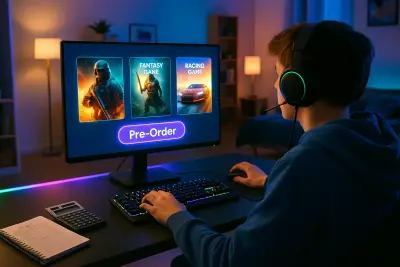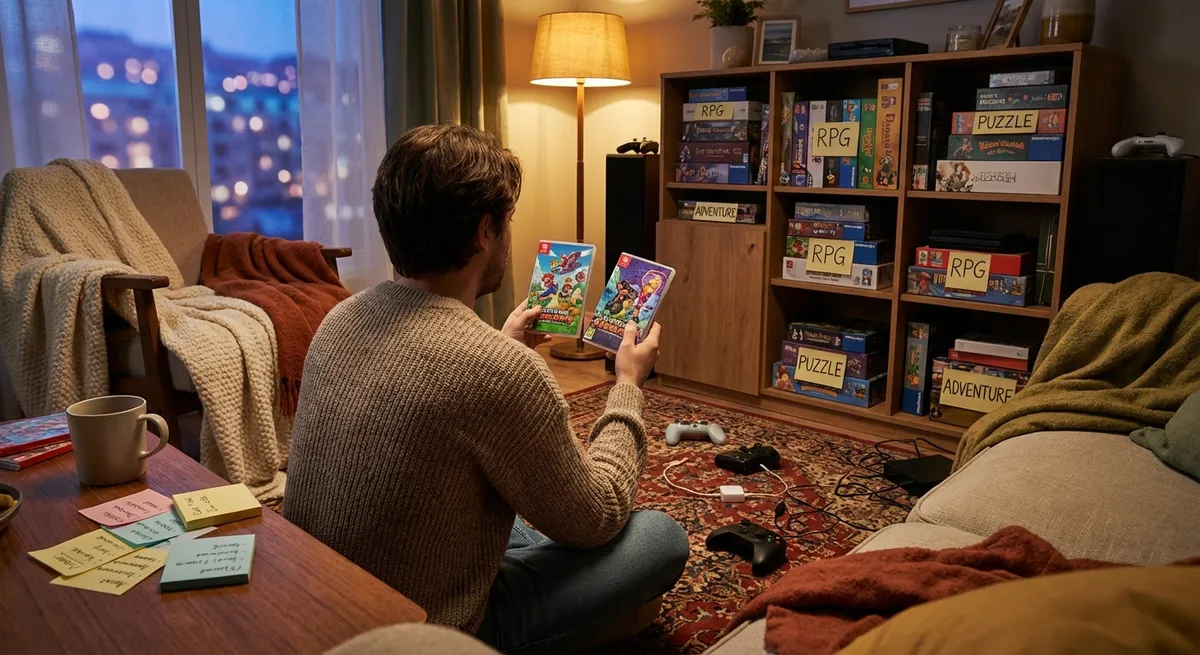
You don’t need a huge budget or every new release to enjoy gaming. What you do need is a smarter way to decide which games are worth your time and money—and which ones will just collect digital dust in your backlog. This guide walks you through a practical, consumer-first approach to buying video games you’ll actually play and enjoy, with five specific tips you can use before you hit "buy."
Start With Your Play Style, Not the Hype
Before looking at discounts, trailers, or reviews, get clear on how you really play games in your day-to-day life.
Think about how often you play and for how long at a time. If you typically game in 30–45 minute sessions, enormous open-world titles that demand long, focused play might sound appealing—but can end up being overwhelming. On the other hand, if you love long weekend sessions, shorter arcade-style games may feel unsatisfying.
Consider your preferred genres and emotional “vibe.” Do you want stress relief, challenge, storytelling, social connection, or competition? Aligning purchases with those needs makes it far more likely you’ll actually finish or at least meaningfully enjoy what you buy.
Also factor in your platform ecosystem. If your friends primarily play on PC or PlayStation, you’ll get more mileage out of cross-play and multiplayer titles on those platforms. Building around your existing setup helps you avoid re-buying the same game or paying extra for upgrades you don’t need.
Finally, be honest about your backlog. If you already have three long RPGs sitting unfinished, it’s probably not the right time to buy another one just because it’s on sale.
Tip 1: Use “Time-to-Value” Instead of Just Price
Instead of asking “Is this game cheap?”, ask “How much value will I get per hour of play?”
Look up average completion times on sites like HowLongToBeat before buying, especially for single-player games. Combine that with your realistic weekly playtime to estimate how long it will take you to finish, or at least feel satisfied with your experience.
For example, a $60 story-driven game that lasts 20 hours costs you about $3 per hour. A $20 indie roguelike you’ll play for 100 hours comes out to $0.20 per hour. In many cases, the “cheaper” game on paper is the poorer value if you abandon it after a few sessions.
This doesn’t mean you should always choose the longest game. A short but memorable 6-hour narrative adventure can be an amazing purchase if it directly fits what you enjoy. The key is making purchase decisions with both price and realistic playtime in mind, rather than chasing the biggest world or content dump.
By thinking in terms of “time-to-value,” you also pressure-test impulse buys. If you’re unlikely to even start a massive game for months, your real cost is higher than the sale price suggests—because your money sits locked up in an unplayed title.
Tip 2: Let Subscription Services Do Your “Expensive Experiments”
Subscriptions like Xbox Game Pass, PlayStation Plus, or certain PC libraries can be powerful tools if you treat them as testing grounds rather than permanent replacements for ownership.
Use these services to:
- Try genres you’re curious about but unsure you’ll like (e.g., tactics, survival, racing).
- Test games you frequently see recommended but aren’t confident you’ll stick with.
- Play live-service or multiplayer games that update often, without committing to full-price purchases.
If you find a game on a subscription that you truly love and know you’ll replay or return to, that’s when it can make sense to buy it outright—preferably during a sale, and ideally on the platform where you enjoy it most.
However, avoid the trap of thinking “more games = more value.” If you’re only regularly playing one or two titles from a subscription, compare the subscription cost to just buying those games at a discount. Sometimes owning fewer, carefully chosen games is cheaper (and less overwhelming) than juggling multiple services.
Always set a reminder to re-evaluate subscriptions at least every few months. If you’re not using them, canceling or pausing frees up budget for specific, high-value purchases instead.
Tip 3: Read Reviews Differently—Look for “Player Match,” Not Scores
Review scores and star ratings are everywhere, but they don’t automatically tell you if a game is right for you.
When reading reviews or watching impressions:
- Focus on descriptions of gameplay loops, pacing, and difficulty instead of the final score.
- Pay attention to criticisms you might actually like (e.g., “too hard,” “too slow,” “too much reading”) if those align with your preferences.
- Skip early hype and look for post-launch impressions, especially for online or live-service games, where performance and balance can change rapidly.
User reviews and community discussions (on Reddit, Steam, or console storefronts) can also reveal things formal reviews miss, like:
- How well the game runs on specific hardware (e.g., base consoles vs. newer models, lower-spec PCs).
- How intrusive the microtransactions or cosmetic shops feel in practice.
- Whether the game is fun solo if you’re not planning to play with friends.
When possible, seek out reviews from people who liked the same games you did in the past. Their reactions are more likely to map to your own “player profile” than the average critic or influencer.
Instead of asking, “Is this a good game?”, ask “Is this my kind of good game?” That shift alone can save you a lot of buyer’s remorse.
Tip 4: Treat Microtransactions and DLC as Part of the Real Cost
Many games—especially free-to-play, sports, and live-service titles—have ongoing costs beyond the initial download. Being clear-eyed about these can protect your budget and your enjoyment.
Before committing to a game with in-game purchases:
- Check what’s locked behind microtransactions (cosmetics only, or gameplay-affecting items?).
- See if the game uses “loot boxes” or randomized rewards, which can tempt repeated spending.
- Look up typical spending patterns in community discussions; if many players mention “you don’t really need to spend,” that’s a good sign. If people say “you hit a paywall,” expect pressure to pay.
For DLC (downloadable content) and expansions, consider:
- Whether the base game feels complete without add-ons.
- If there’s a “complete” or “ultimate” edition that bundles DLC at a discount.
- Whether you’re likely to still be playing when future DLC arrives.
A practical approach is to treat in-game purchases like a flexible cap: decide in advance how much you’re willing to spend total on one game across its lifetime. For example, you might set a $40 total budget for a free-to-play title, or $70 total for a $60 game plus possible DLC.
This mindset helps you compare games on a level playing field: a “free” game you’ll likely spend $50 on over a year isn’t really free—it’s just a different pricing model.
Tip 5: Time Your Purchases Around Sales, Patches, and Your Own Schedule
When you buy often matters as much as what you buy.
Sales cycles are predictable on most platforms: big seasonal sales (summer, winter, holiday) and publisher events offer major discounts. Older single-player games especially drop in price dramatically within 6–12 months of launch. If you don’t need to be part of day-one conversation, waiting can save a substantial amount.
Patches and updates are another consideration. Many high-profile games launch with technical issues and are significantly improved months later. Waiting for performance patches, bug fixes, and balance updates can mean you get a better experience for less money.
Most importantly, align purchases with your actual free time. Instead of stockpiling games because they’re cheap, buy closer to when you’ll play them. For example:
- Heading into a busy work season? Skip giant RPGs and consider smaller titles.
- Going on vacation with a handheld console? Plan a portable-friendly game or two.
- Have a clear month with more free evenings? That might be a good moment to finally pick up a long-awaited epic.
This “just-in-time” buying approach reduces backlog guilt, helps you fully enjoy each game, and stretches your budget further than a constant stream of impulse purchases.
Conclusion
Smart game buying isn’t about being frugal for its own sake—it’s about making sure your money and time go toward experiences you’ll actually love. By understanding your play style, focusing on time-to-value, using subscriptions as testing grounds, reading reviews with “player match” in mind, counting microtransactions as part of the real cost, and timing your purchases strategically, you can build a game library that feels intentional instead of overwhelming.
The goal isn’t owning everything; it’s owning the right things for how you really play. If you start applying even one or two of these tips before your next purchase, you’ll feel the difference in both your wallet and your enjoyment.
Sources
- Entertainment Software Association – 2024 Essential Facts About the Video Game Industry - Provides data on player habits, platforms, and how people engage with games.
- Federal Trade Commission – In-Game Purchases - Consumer guidance on in-game purchases, kids’ access, and avoiding unwanted charges.
- HowLongToBeat – Game Length Database - Community-sourced estimates of game completion times for smarter time-to-value decisions.
- Xbox Game Pass Official Site - Details on subscription structure, library rotation, and how Game Pass works.
- Sony PlayStation Plus Overview - Explains PS Plus tiers, included games, and benefits relevant to evaluating subscription value.
Key Takeaway
The most important thing to remember from this article is that following these steps can lead to great results.