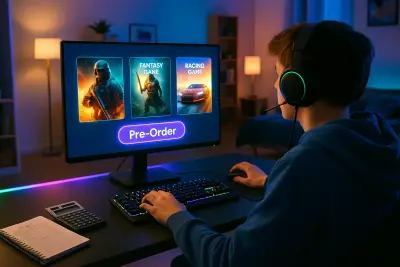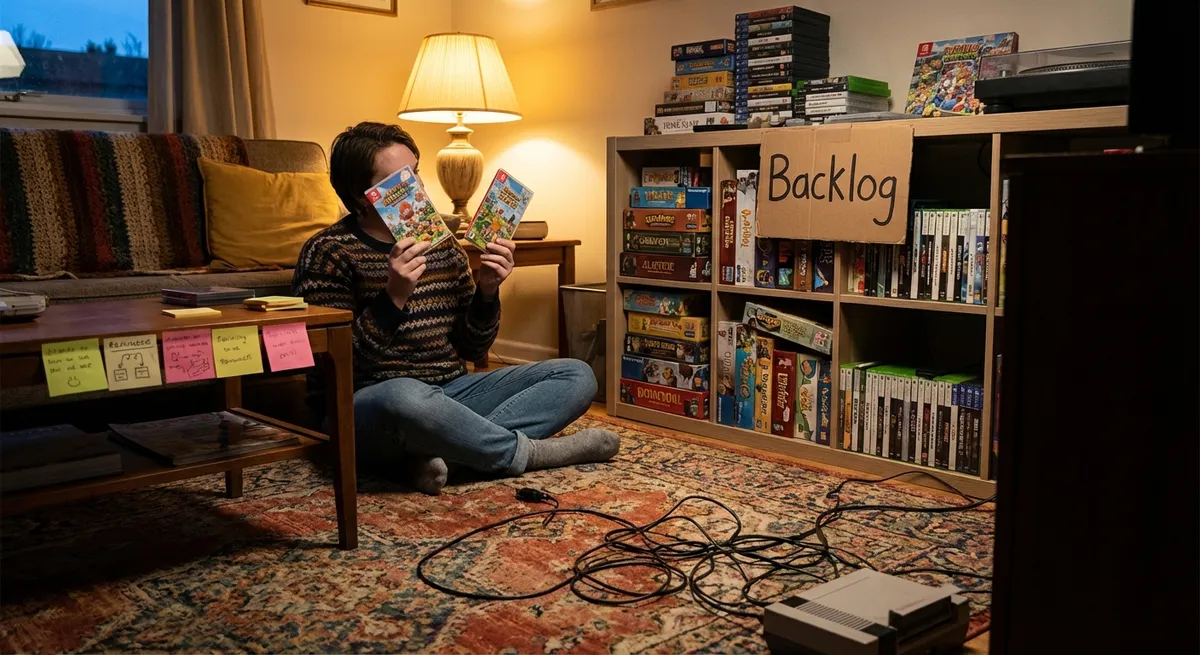
The game market moves faster than ever, with constant sales, deluxe editions, and never‑ending backlogs. It’s easy to spend a lot and still feel like you have “nothing to play.” This guide focuses on buying smarter, not just cheaper—so the games you purchase actually fit your time, preferences, and budget. Whether you’re a PC, console, or mobile player, these strategies will help you build a collection that feels intentional instead of impulsive.
Start With Your Real Life, Not the Hype
Before you even open a store page, look at how games realistically fit into your life right now. Many gamers buy as if they have unlimited free time, then get overwhelmed by long RPGs or live-service titles that expect weekly engagement.
Ask yourself:
- How many hours a week do I actually play?
- Do I enjoy long, story-driven sessions or quick 20–30 minute bursts?
- Do I prefer single-player narratives, competitive multiplayer, or co-op with friends?
- Am I okay with “live service” games that evolve over time, or do I want completed experiences?
Aligning purchases with your schedule and play style immediately cuts down on regret buys. For example, a 100‑hour open-world epic might be a poor fit if you realistically have just a few hours a week, while shorter, self-contained games or roguelikes might be ideal. When you buy for your real habits—not your fantasy self—you’re more likely to finish and enjoy what you start.
Read Beyond the Score: How to Decode Reviews and User Feedback
Review scores and user ratings are everywhere, but they don’t always tell you if a game is right for you. Two people can both give a game 9/10 for very different reasons. To buy smarter, you need to read why people feel the way they do, not just how much they liked it.
Look for:
- Patterns, not outliers: If multiple reviewers mention “great story but repetitive combat,” that’s more useful than a single angry 1-star review.
- Performance mentions: Especially on PC or new releases, check if reviewers report crashes, stuttering, or console-specific issues. Performance can make or break the experience.
- Platform-specific notes: A game might run great on PS5 but badly on Nintendo Switch, or vice versa. Always confirm how it performs on your platform.
- Playstyle alignment: Find reviewers or YouTubers whose preferences match yours. If you both loved the same past games, their opinions carry more weight for you.
When possible, watch gameplay footage instead of just trailers. Marketing often highlights cinematic moments and hides repetitive sections. Raw gameplay from content creators or streamers gives you a clearer idea of what you’ll actually be doing minute-to-minute.
Tip 1: Try Before You Buy With Demos, Trials, and Subscriptions
One of the smartest moves is to test a game before committing to full price. A short hands-on session often tells you more than hours of reading reviews.
Options to look for:
- Free demos: Many games on Steam, PlayStation, Xbox, and Nintendo eShop offer demos. Use them to test controls, performance, and “feel.”
- Time-limited trials: Some services let you play the full game for a set number of hours. This is especially helpful for big-budget releases.
- Subscription libraries: Xbox Game Pass, PlayStation Plus, and similar services let you experiment with many titles for a flat fee. Use them to “try” games you’re unsure about before deciding if they’re worth owning permanently.
- Refund policies: Platforms like Steam allow refunds within certain playtime and time windows. Check the rules before you buy, and don’t be afraid to use them if a game runs poorly or isn’t what you expected.
Using these options cuts down on blind buys and helps you avoid keeping games you know you’ll never go back to.
Tip 2: Time Your Purchases Around Sales and Price History
Most games don’t hold their launch price for long. If you’re not desperate to play on day one, waiting a little can save a lot—without sacrificing the experience.
Smart ways to time your buys:
- Check price history: Use tools and websites that show historical prices for PC (and sometimes console) games. If a game frequently hits 50% off, there’s no rush to buy at 10% off.
- Know the sale cycles: Big platform-wide sales (like Steam seasonal sales or holiday events) return every year. If you’re a patient buyer, keep a wish list and wait for discounts.
- Consider your backlog: If you already have several unplayed games, ask: “Will I start this within the next month?” If not, wait for a sale rather than stacking unused titles.
- Watch indie pricing patterns: Smaller games often launch at fair prices and may not get massive discounts quickly. In those cases, paying full price can be both reasonable and a direct way to support the developers.
Being strategic about timing doesn’t mean you never buy full price. It means when you do, it’s because you want the day-one experience, not because of fear of missing out or clever marketing.
Tip 3: Compare Editions Carefully (Base, Deluxe, Ultimate, and More)
Modern games often come in multiple editions with different price points and bonus content. It’s easy to overpay for extras you’ll barely touch.
To evaluate editions:
- List what you actually value: Story expansions, extra missions, or substantial DLC can be worth it. Cosmetic packs, temporary boosts, or early access often aren’t essential.
- Check DLC release timelines: If the “season pass” content releases months later, consider whether you’ll still be playing then. If not, the base game may be enough.
- Look for “Complete” or “Definitive” editions: These bundles, which include all DLC, often appear months or a year after release at a lower combined price.
- Avoid buying content you haven’t tried: If you’re unsure whether you’ll even like the base game, skip the expensive bundles. You can always upgrade later if you love it.
Think of deluxe editions as upgrades for games you already know you’ll commit to—like the next entry in a favorite series—not as standard purchases for everything that looks interesting.
Tip 4: Match Monetization to Your Comfort Level
Many games now include microtransactions, battle passes, cosmetics, and other recurring monetization. These models aren’t automatically bad, but they can change how the game feels and what it costs over time.
Before buying, consider:
- Does the game pressure spending? Check if reviews mention aggressive prompts, limited-time offers, or frustrating grinds pushed toward purchases.
- Is it pay-to-win or pay-for-convenience? Cosmetic-only shops are easier to ignore. Power boosts or gameplay advantages can affect fairness and fun—especially in competitive titles.
- Is there a battle pass or seasonal model? Ask whether you like playing one game continuously each season. If not, you might never get full value from passes tied to limited-time progress.
- Are you okay with ongoing spending? A free-to-play game you regularly buy passes for may cost more over time than a one-time purchase.
Make sure the game’s business model aligns with your budget and your tolerance for in-game stores. If you already tend to overspend on cosmetics or loot boxes, favor games with clearer, up-front pricing.
Tip 5: Build a Wish List and “Cooling-Off” Habit
Impulse purchases are the fastest path to a bloated backlog. A simple process can reduce that without killing the fun of discovering new games.
Try this approach:
- Add first, decide later: When a game catches your eye, put it on a wish list instead of buying immediately.
- Set a minimum waiting period: For non-essential purchases, give yourself 24–72 hours before committing. Often the urge fades if it was just hype.
- Re-check your criteria: Before buying, revisit: Will this fit my current schedule? Do I have time soon? Do reviews highlight things I care about (story, mechanics, performance)?
- Use wish list notifications: Many stores alert you when a wish-listed game goes on sale. This turns spontaneous impulses into more planned decisions.
Over time, this habit makes your library feel curated instead of cluttered, and you’ll notice fewer games sitting untouched after a single session.
Conclusion
Buying video games strategically doesn’t mean removing all spontaneity or waiting forever for the perfect sale. It means aligning your purchases with your real playtime, preferences, and budget so the games you own are ones you actually enjoy. By testing games through demos or subscriptions, timing purchases around reliable discounts, being selective about editions, paying attention to monetization models, and building a simple wish list habit, you transform buying from impulse-driven to intentional.
The result is a library that feels like a lineup of favorites instead of a pile of missed opportunities—and a better return on every gaming dollar you spend.
Sources
- Entertainment Software Association – 2024 Essential Facts About the Video Game Industry - Provides data on gaming habits, time spent playing, and consumer behavior in the game market
- Steam Store Refund Policy - Details on how refunds work for PC games, useful for understanding try-before-you-keep options
- Xbox Game Pass – How It Works - Explains subscription access to a rotating library of games, relevant for testing titles before purchasing
- PlayStation Plus – Game Catalog Overview - Describes Sony’s subscription service and availability of trials and game libraries
- Federal Trade Commission – In-Game Purchases - Offers guidance on in-game monetization and spending, applicable to evaluating microtransactions and battle passes
Key Takeaway
The most important thing to remember from this article is that following these steps can lead to great results.